Desktop app
mdsh-gui opens markdown files in a desktop window and runs their blocks
as you pick them, like interactive mode
with a mouse. It uses the same engine as mdsh, so a document runs the
same way in both, and what it saves is what mdsh -w would write.
Install
Each release has the desktop app beside the command line archives:
| File | For |
|---|---|
mdsh-gui_VERSION_macos_universal.dmg | macOS 13 or newer, Apple silicon and Intel. Open it and drag mdsh to Applications. |
mdsh-gui_VERSION_macos_universal.zip | The same app, zipped. |
mdsh-gui_VERSION_linux_x86_64.AppImage | Linux on x86-64. Make it executable and run it; it carries its own GTK and WebKit. |
The macOS app isn’t signed with an Apple Developer ID, so the first time
you open it macOS says it can’t check it. Open it once, then choose Open
Anyway in System Settings › Privacy & Security; before macOS 15 you can
instead right-click the app and choose Open. From a terminal, xattr -dr com.apple.quarantine /Applications/mdsh.app does the same.
On Linux:
chmod +x mdsh-gui_*_linux_x86_64.AppImage
./mdsh-gui_*_linux_x86_64.AppImage notes.md
Using it
mdsh-gui                  # the start screen, for the current folder
mdsh-gui ~/runbooks       # the start screen, for that folder
mdsh-gui notes.md staging # open a file; $1 is staging
- Start screen. The markdown files under a folder, with recent files
first and each file’s front matter
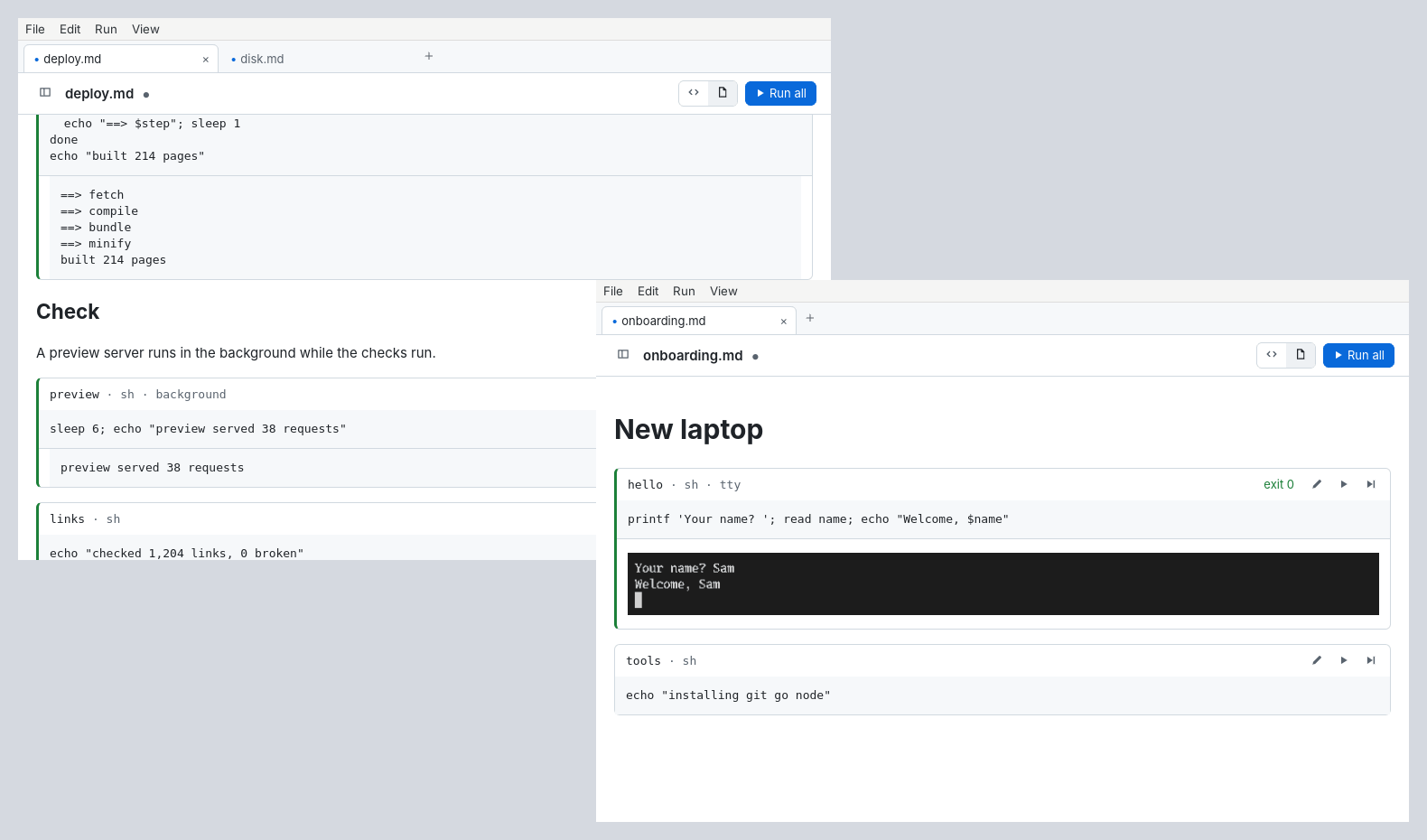
descriptionunder its name. Type to filter, or#tagto show only files with that tag. A folder with a.mdsh.yaml(title,description,icon,color,background,tags) shows as a collection with a header of its own. - Tabs. Each file opens in a tab with shells of its own. Drag a tab to reorder it, onto another window to move it there, or away from the tab bar for a window of its own; a block running in it carries on.
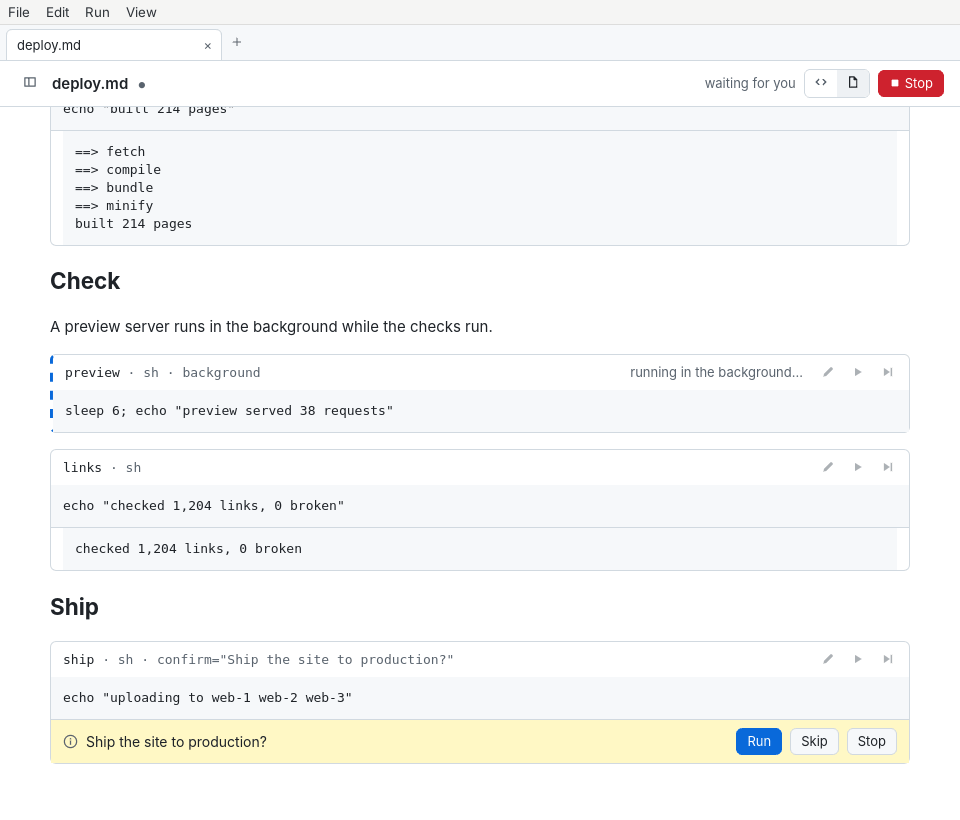
- Running. Every block has run and run-from-here buttons, and Run All
runs the document. Run › Run Current Block (cmd/ctrl+enter) runs the
block the source view’s cursor is in. Output streams in under the block. Run › Clear All
Outputs takes all output out of the document, as if nothing had run. A block marked
confirmasks in its card; attyblock runs in a terminal in its card and is recorded, asmdshrecords it. Abackgroundblock runs on while the next ones do, and its output shows when it ends. - Editing. The source view shows the whole file in a markdown editor
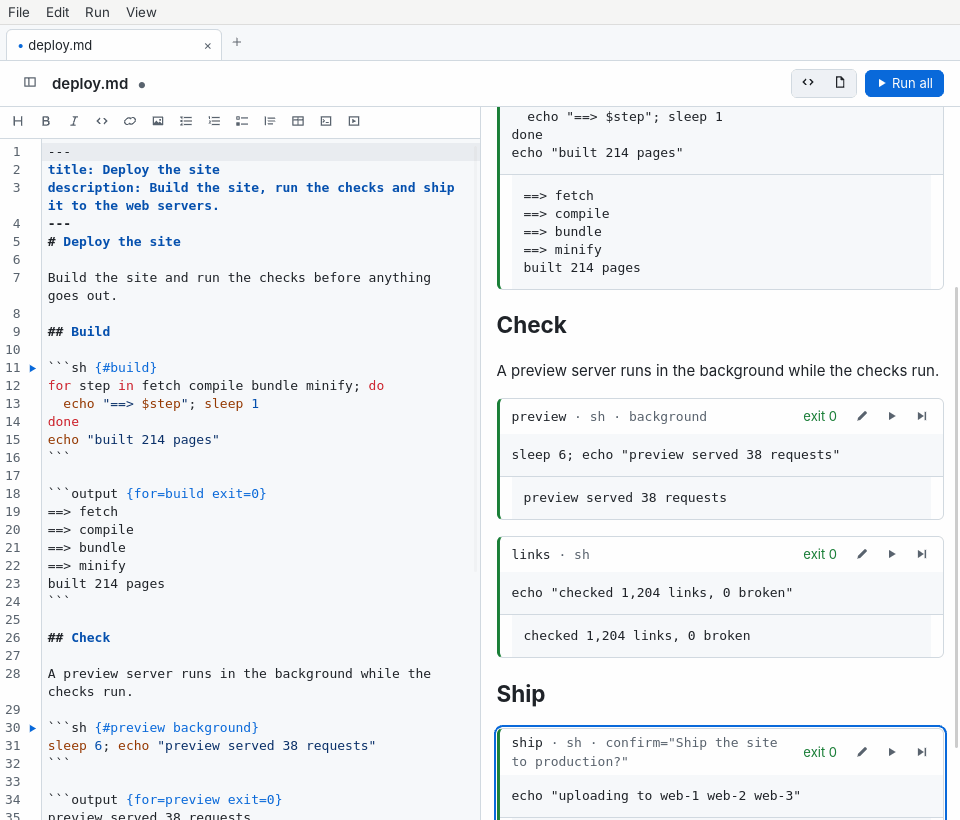
beside the rendered view. It completes block attributes, explains them
on hover and underlines mistakes, and has Vim key bindings as a
setting. Cmd/ctrl+enter, or
:RunBlockin Vim mode, runs the block the cursor is in. - Output. Images, screenshots and recordings show in the block.
Save writes the output into the file, and File › Create Report… makes
a PDF, HTML or markdown report, and shows the
mdshcommand that makes the same one.
Keys follow mdsh -i where they can: j/k select a block, enter runs
it, a runs from it and e edits it.
Build it
The app is its own Go module, in cmd/mdsh-gui, built with
Wails v3. On Linux it needs GTK 4 and WebKitGTK 6.0
(libgtk-4-dev and libwebkitgtk-6.0-dev on Debian and Ubuntu):
cd cmd/mdsh-gui
go build .
build/darwin/app.sh and build/linux/appimage.sh make the release
packages.