
vim2godot
Turns a Vim or Neovim colorscheme, such as any on vimcolorschemes.com, into a Godot 4.5+ editor theme. It is separate from the godotnvim plugin and does not need it.
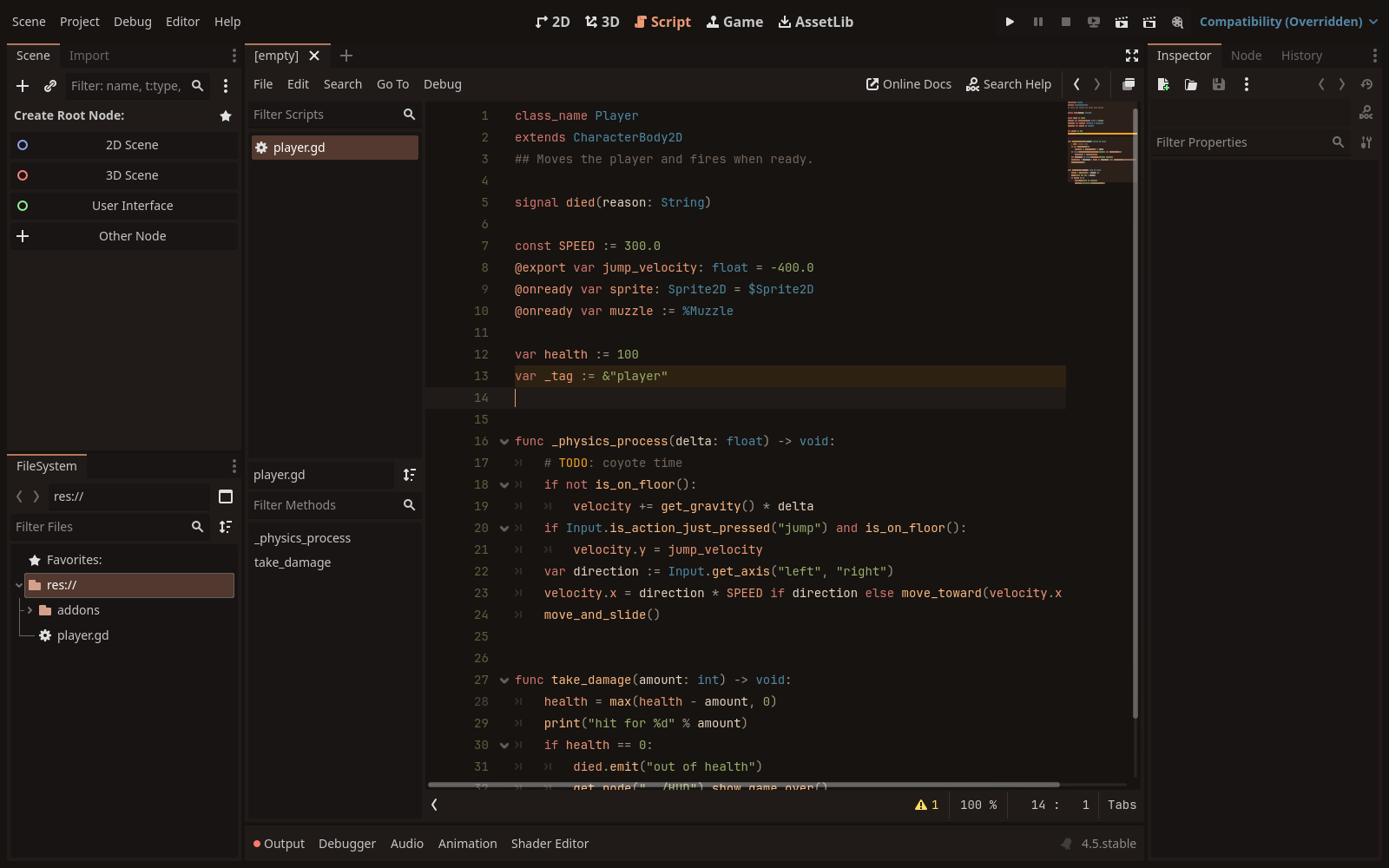
| gruvbox (light) | tokyonight-storm |
|---|---|
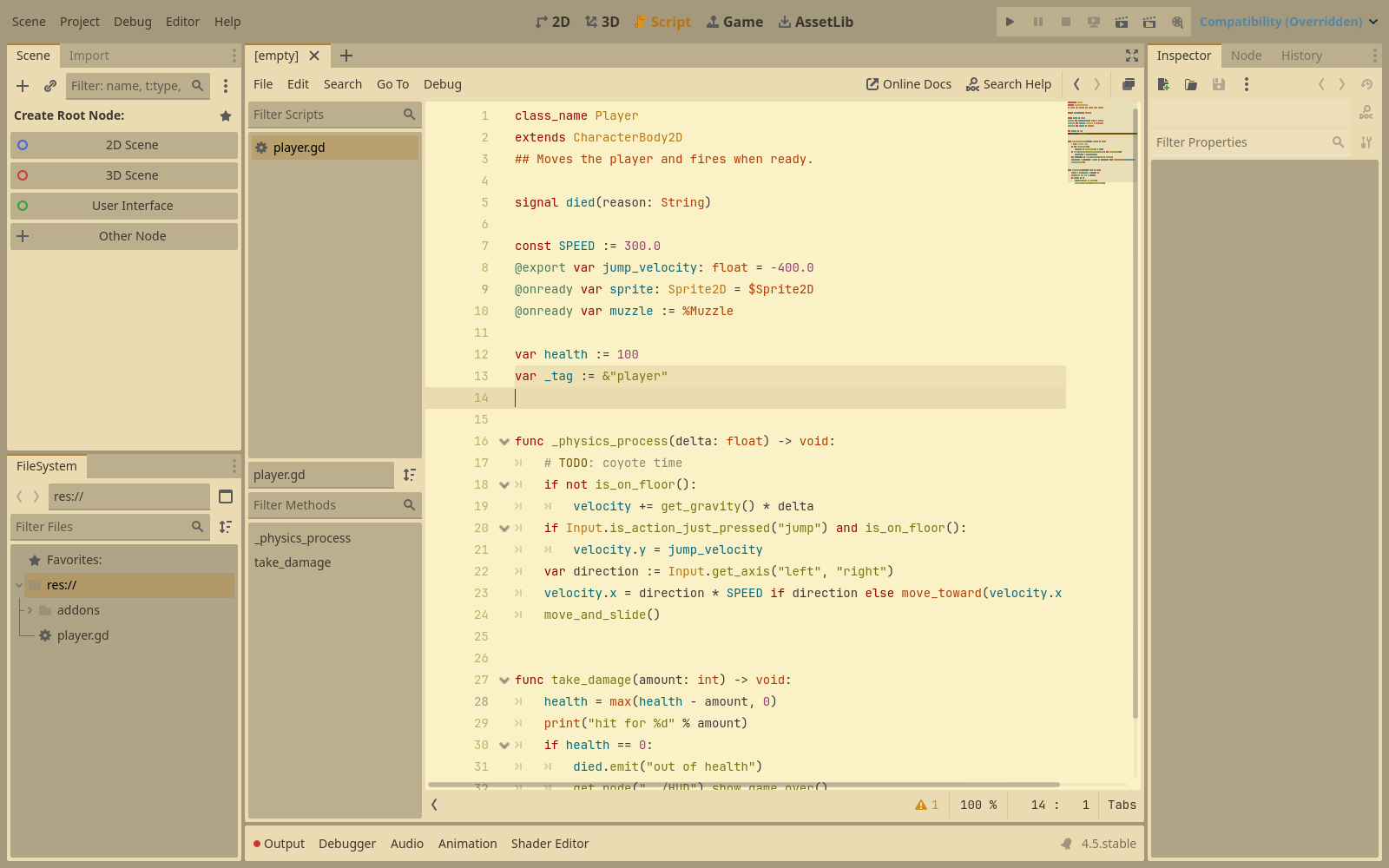 | 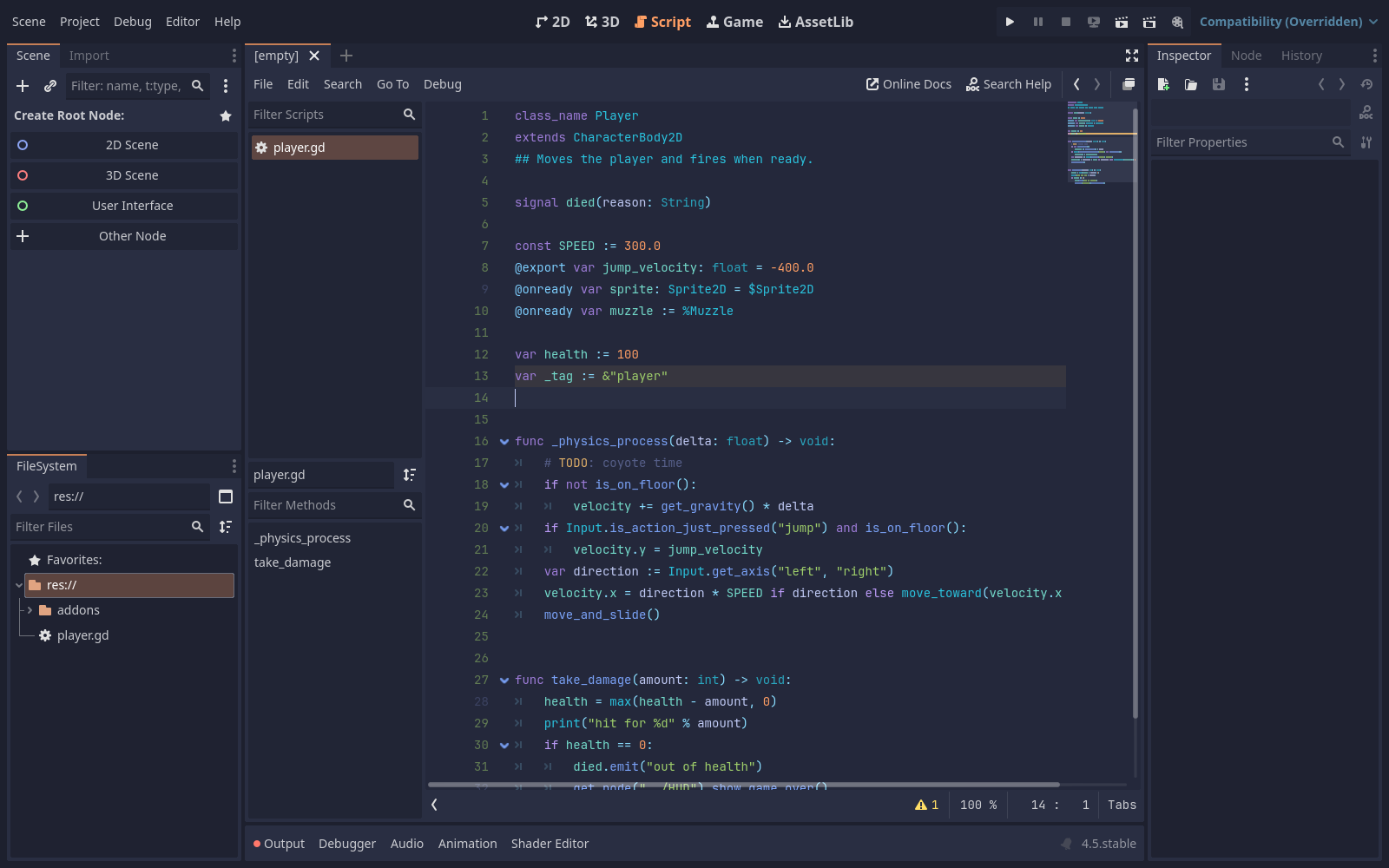 |
How Godot editor themes work #
Godot themes the editor in two separate layers, both per user rather than per project:
- Script editor colors: Editor Settings → Text Editor → Theme →
Color Theme picks a
.tetfile from Godot’stext_editor_themesfolder. A.tetis a ConfigFile with a[color_theme]section ofkey="rrggbbaa"lines, one pertext_editor/theme/highlighting/*setting. - Everything else (docks, panels, inspector): Editor Settings → Interface → Theme. With the preset set to Custom, Godot derives the whole interface from a base color and an accent color, with Contrast setting how far panels step away from the base.
vim2godot writes both: a .tet, and an EditorScript that sets the interface
colors and selects the .tet.
Requirements #
- Neovim 0.10+ (
nvimon yourPATH, or-nvim/$NVIM) - git, to fetch schemes that aren’t already on disk
- Go 1.24+, only to run or build it from source
Get it #
Each release has a prebuilt
vim2godot for Linux, macOS and Windows (amd64 and arm64), as
colorscheme-<version>-<os>-<arch>.tar.gz (.zip on Windows), with the same
version number as the addon. Unpack it and put vim2godot on your PATH.
SHA256SUMS.txt in the release has the checksums. On macOS, the binary isn’t
signed: if Gatekeeper blocks it, run xattr -d com.apple.quarantine vim2godot.
Or run it from source in this directory: use go run . wherever the examples
below say vim2godot.
Convert a scheme #
vim2godot https://vimcolorschemes.com/r/aejkatappaja/cendre
The argument can be a vimcolorschemes.com page, a GitHub URL, owner/name
(GitHub), any other git URL, or a local directory. Each scheme in the repo’s
colors/ folder becomes themes/<name>/ with:
<name>.tet: the script-editor colorsapply_<name>.gd: sets the interface colors and switches to the theme
A scheme that has both dark and light versions (it follows 'background') is
written twice, as <name>-dark and <name>-light. Useful flags:
| Flag | Does |
|---|---|
-out dir | Where to write themes (default themes) |
-scheme a,b | Only these colorschemes from the repo (default: all in colors/) |
-background dark | Only try this 'background' (default dark,light) |
-with owner/repo | Repos the scheme needs on 'runtimepath', such as rktjmp/lush.nvim for zenbones |
-install | Also copy the .tet files into Godot’s text_editor_themes folder |
-nvim path | Neovim to use (or set $NVIM) |
-version | Print the version |
For example, only tokyonight’s storm style, installed straight into Godot:
vim2godot -scheme tokyonight-storm -install folke/tokyonight.nvim
This runs the colorscheme’s code in Neovim (nvim --headless --clean), so
only convert schemes you would load in your own editor.
Install a theme in Godot #
- Copy
<name>.tetinto Godot’stext_editor_themesfolder (or pass-install):- macOS:
~/Library/Application Support/Godot/text_editor_themes/ - Linux:
~/.config/godot/text_editor_themes/ - Windows:
%APPDATA%\Godot\text_editor_themes\
- macOS:
- Open
apply_<name>.gdin Godot’s Script editor and run it with File → Run (Ctrl/Cmd+Shift+X). It saves your scenes and restarts the editor, because scripts can’t make the editor reload its theme.
Or set it by hand in Editor → Editor Settings: Text Editor → Theme → Color
Theme to <name>, and Interface → Theme → Preset to Custom with the base and
accent colors from the top of apply_<name>.gd.
With the godotnvim plugin, Neovim’s godot colorscheme reads the script
editor’s colors, so Neovim follows the new theme too.
How colors are mapped #
vim2godot loads the scheme, reads every highlight group with links resolved
(nvim_get_hl), and fills each Godot setting from the first group that sets a
color. Treesitter groups come first; Neovim links them to the legacy groups when
a scheme only sets those, so old Vim schemes work too. The full table is
rules in mapping.go. The main ones:
| Godot | Neovim |
|---|---|
| background, text | Normal |
| keyword, control flow keyword | @keyword, @keyword.conditional |
| function, function definition | @function.call, @function |
| member variable | @variable.member, @property |
| types | @type.builtin, @type |
| string, number | @string, @number |
| annotation | @attribute |
node path ($Node, %Node) | @string.special.path, @string.special |
| comments, doc comments | @comment, @comment.documentation |
| current line, selection, line numbers | CursorLine, Visual, LineNr |
| completion popup | Pmenu, PmenuSel, PmenuThumb |
| errors, warnings, breakpoints | DiagnosticError, DiagnosticWarn |
| search results | Search, translucent, since Godot draws it under the text |
The interface base color is CursorLine’s background (or a step off
Normal’s), and the accent is CursorLineNr, or the most saturated syntax
color when that is grey.
Limits: a transparent scheme (no Normal background) can’t be converted, and a
scheme’s setup options (like cendre’s medium and soft depths) aren’t
reachable, only what :colorscheme <name> gives.
Tests #
go test ./...
TestExtract loads testdata/colors/fixture.vim in Neovim; it is skipped when
nvim isn’t found.
Example #
themes/cendre is cendre (MIT) converted with the first command above.