Drag and drop
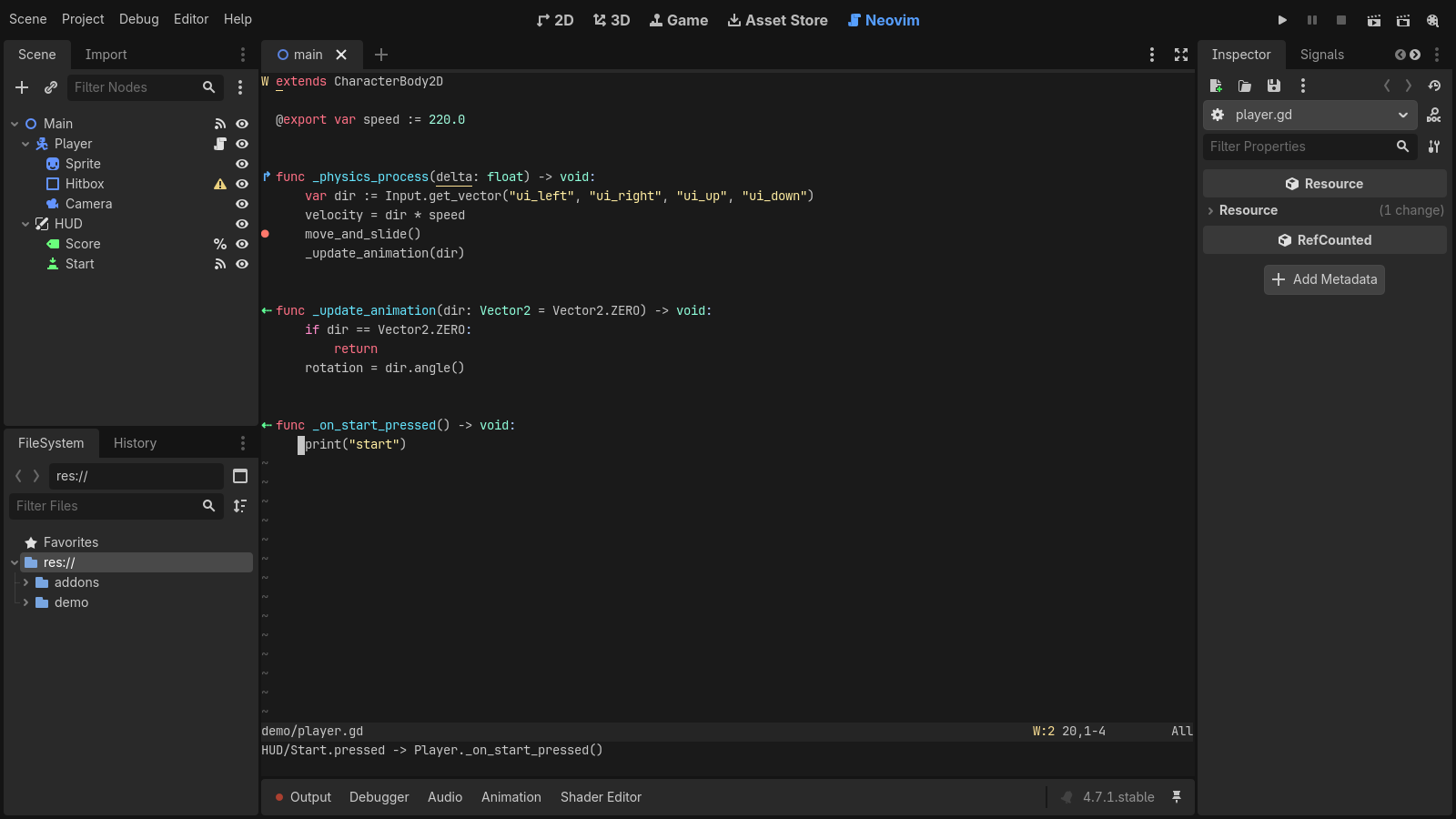
Drop a node from the Scene dock to insert $Path/To/Node, or hold Ctrl/Cmd for an @onready var. Files drop in as "res://path" or a preload.
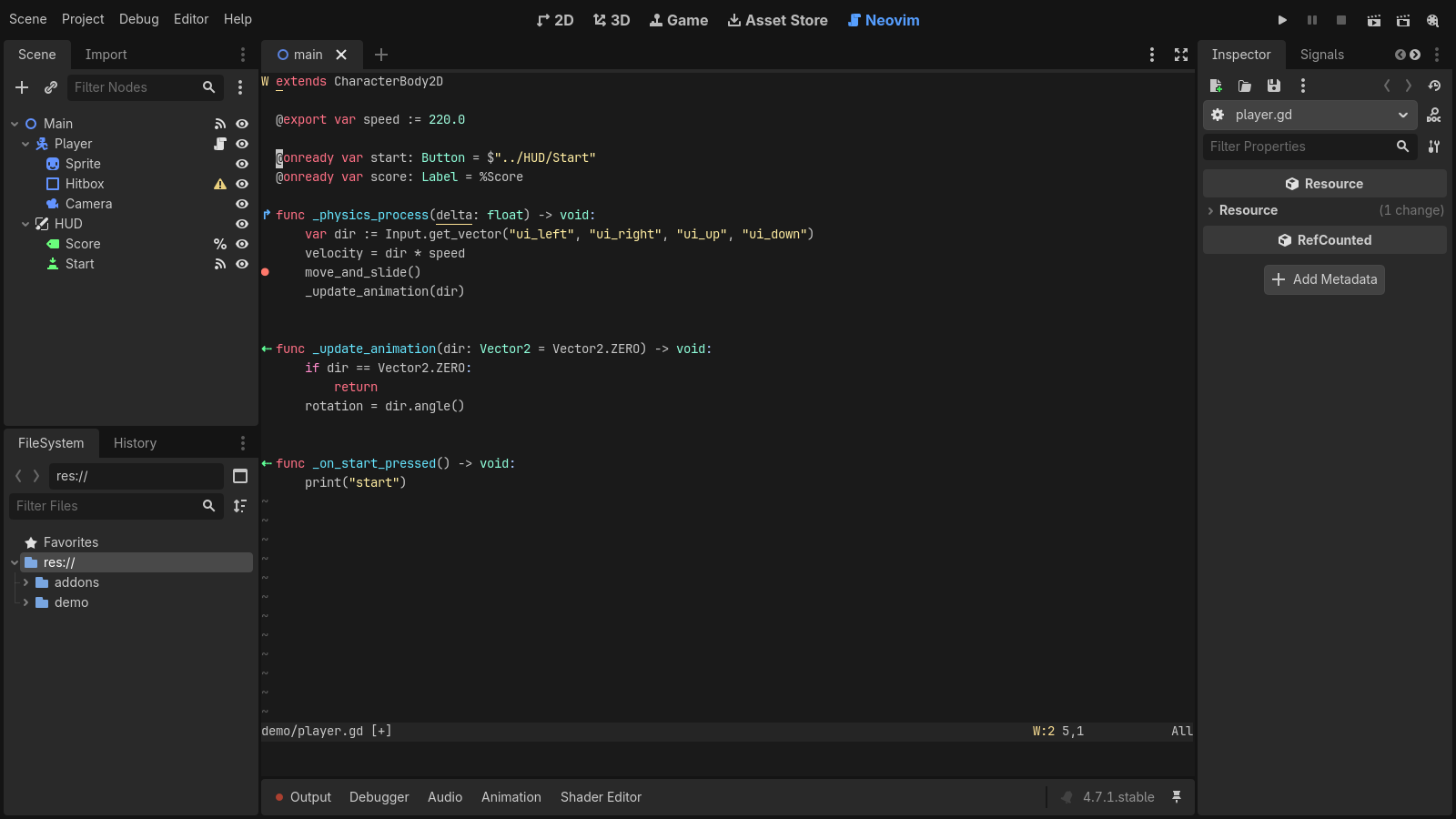
A Godot 4 editor plugin that edits GDScript, shaders and other text files in an embedded Neovim, drawn inside the editor with Neovim’s UI protocol. Your config, plugins and keymaps load as usual, and the parts of Godot’s script editor that matter keep working.
Godot 4.5+ · Neovim 0.10+ (0.11+ recommended) · Linux and macOS · MIT
Your Neovim config, plugins and keymaps load as usual. Everything below works with them.
Drop a node from the Scene dock to insert $Path/To/Node, or hold Ctrl/Cmd for an @onready var. Files drop in as "res://path" or a preload.
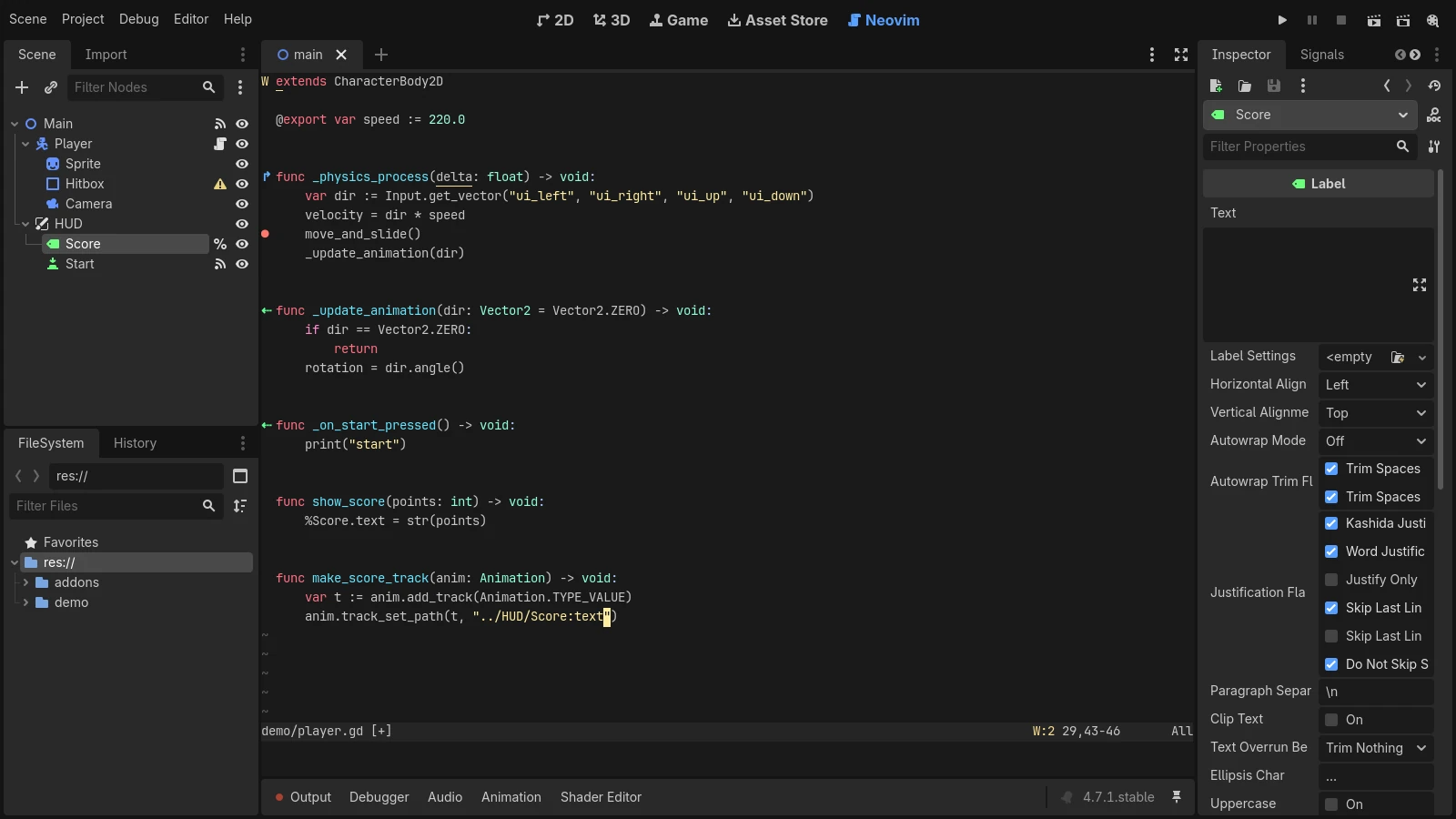
Drag a property from the Inspector to insert $Path/To/Node.property, or the NodePath string that animation tracks take.
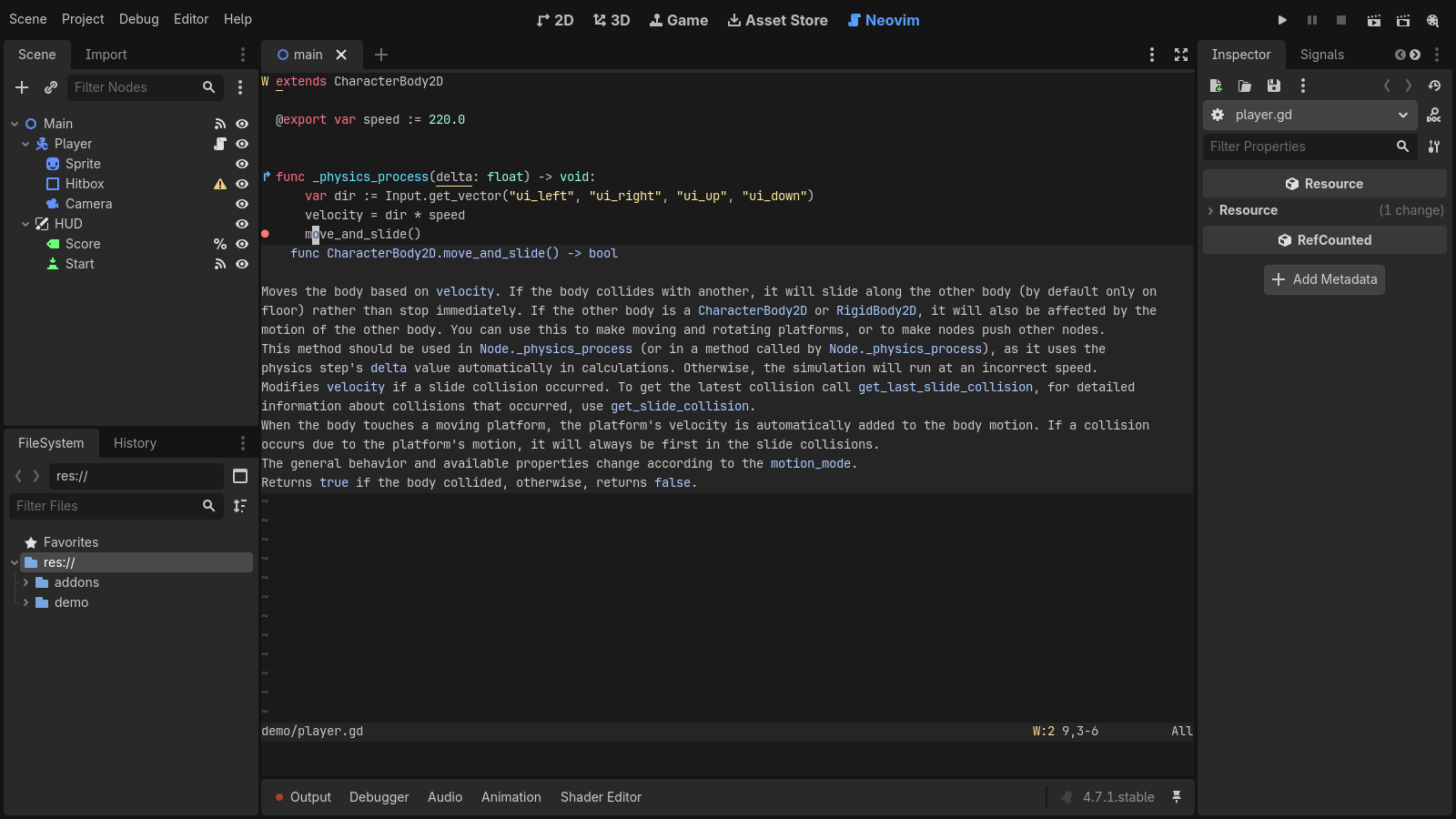
Hover docs with the engine class reference, go-to-definition, references, rename and completion, from the language server the editor already runs.
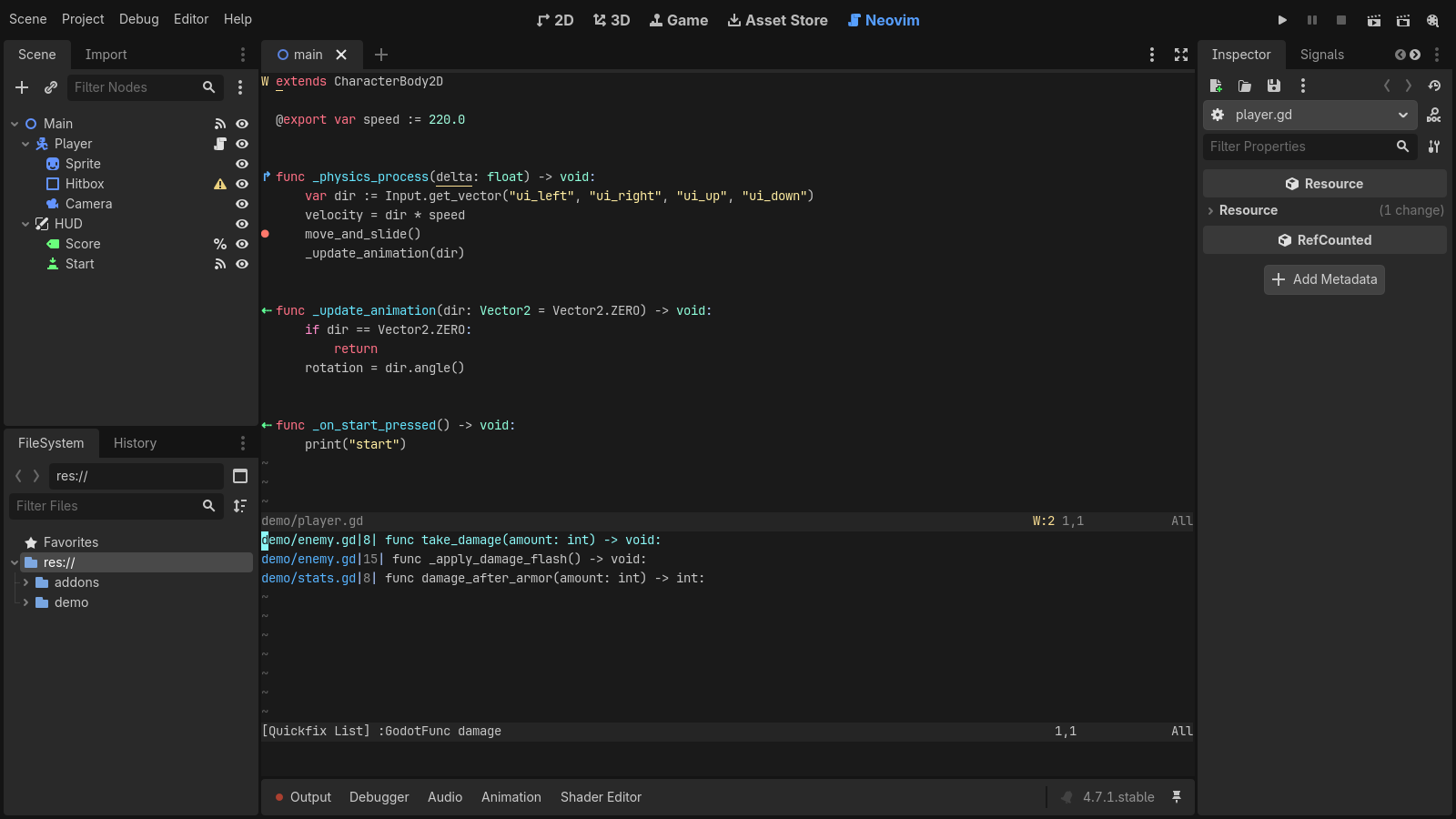
:GodotFunc <name> jumps to a function in any .gd file of the project, with name completion.
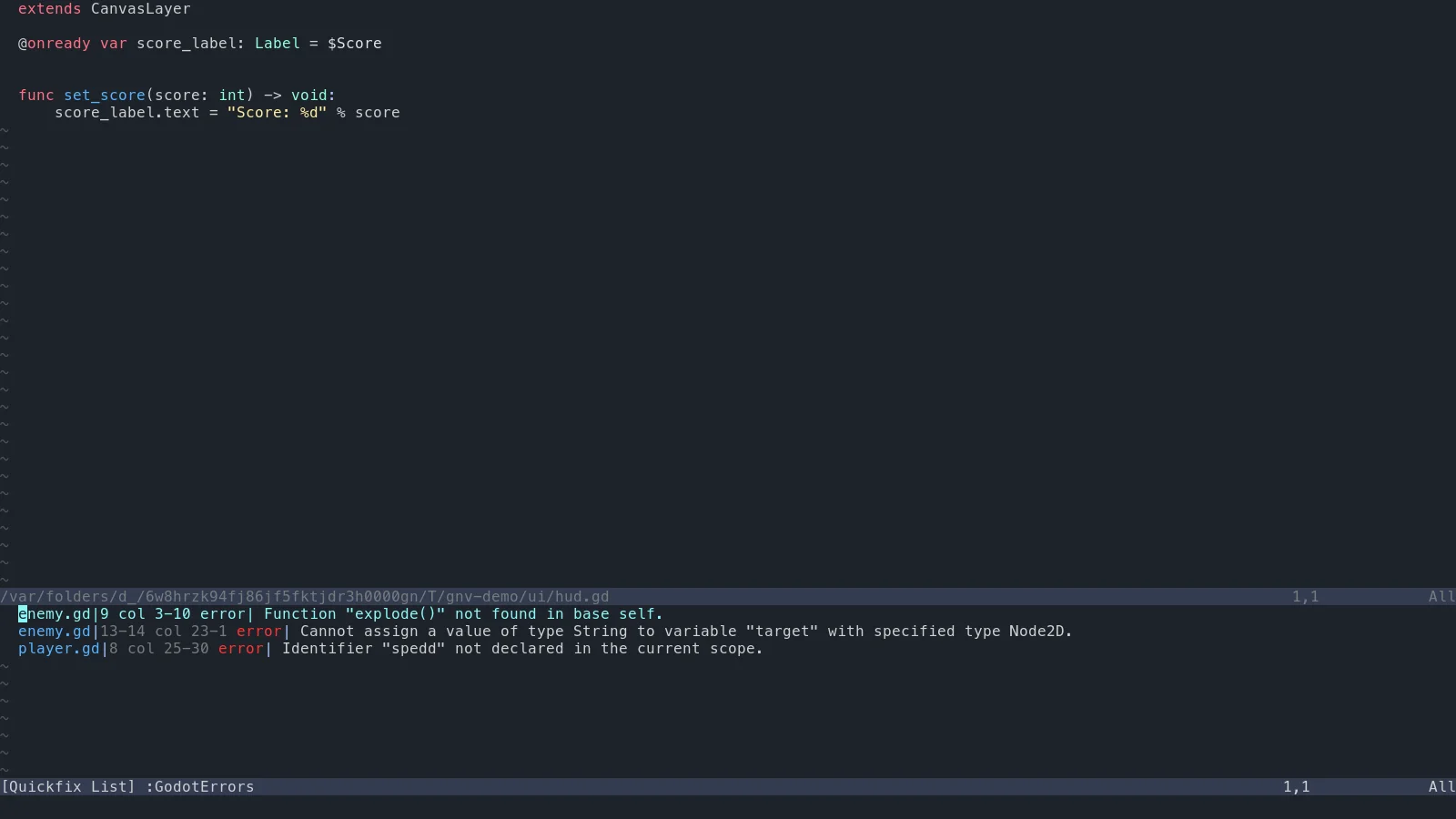
:GodotErrors checks every script with the language server and opens the quickfix list on the errors, including files you haven’t opened.
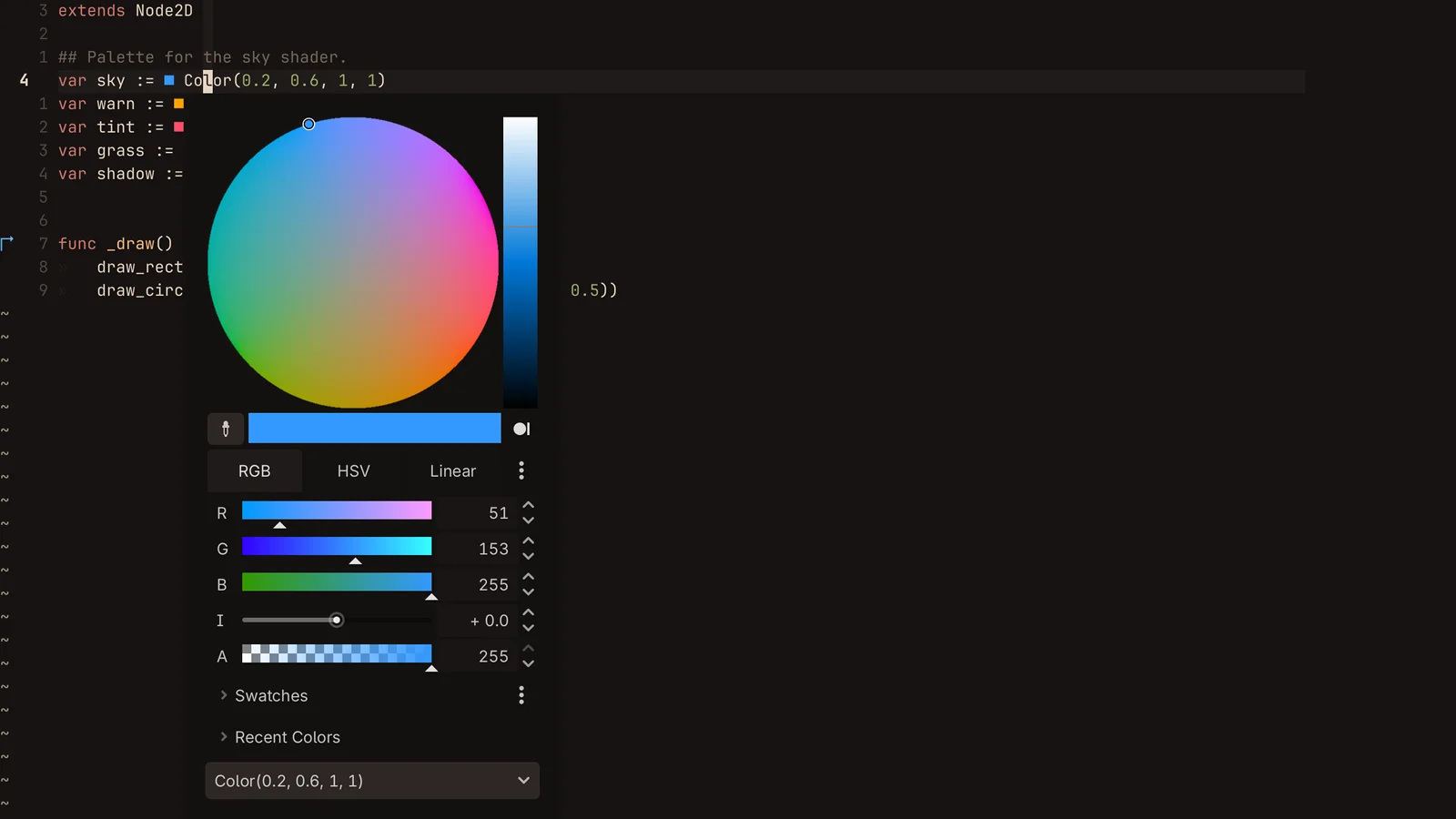
Swatches before each Color literal, and Godot’s color picker on a click, :GodotColor or gC. Picks rewrite the literal in the form you choose.
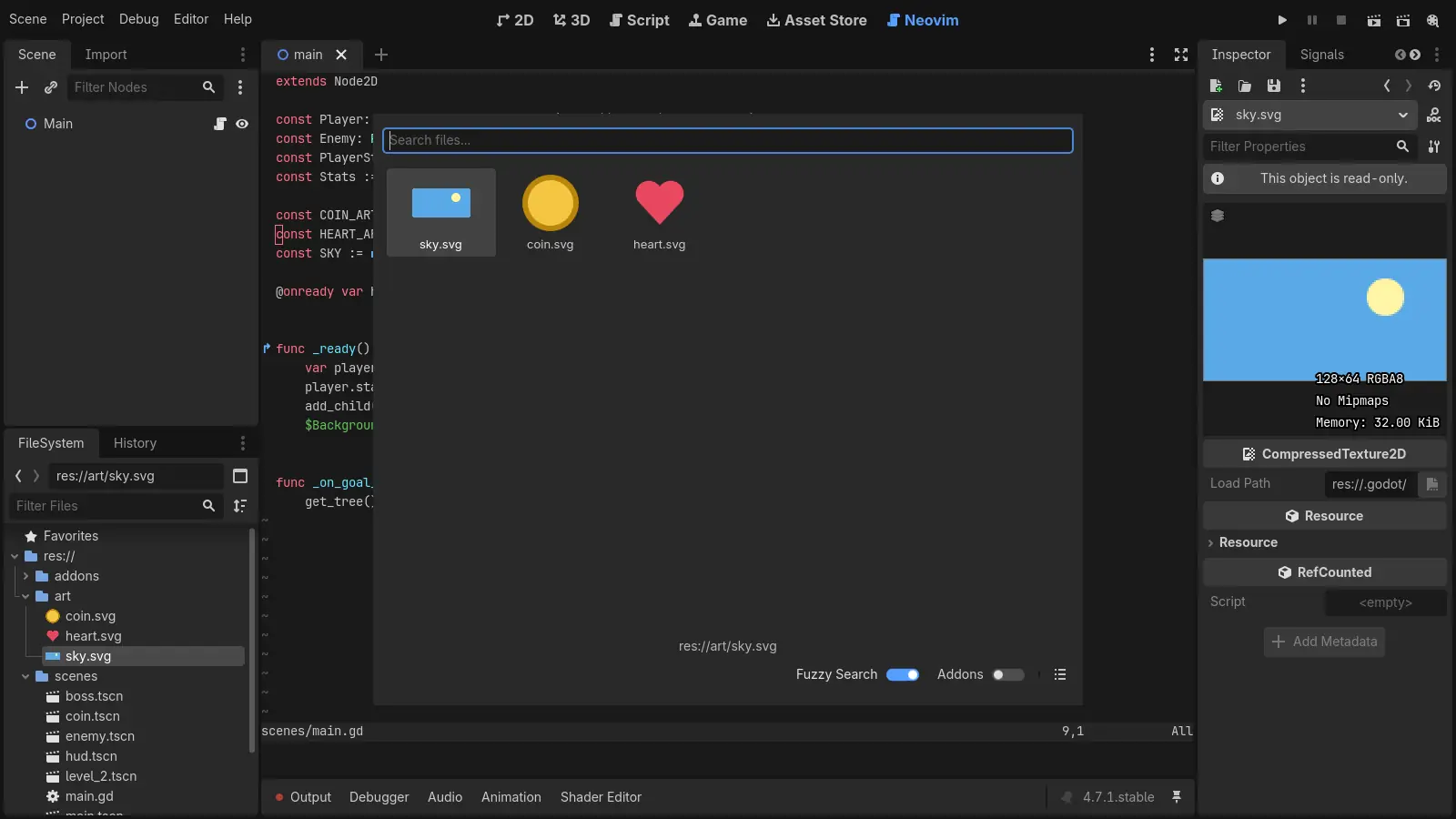
An icon or image preview before each preload path. Double-click it to open the file, or :GodotPickResource to swap in another one.
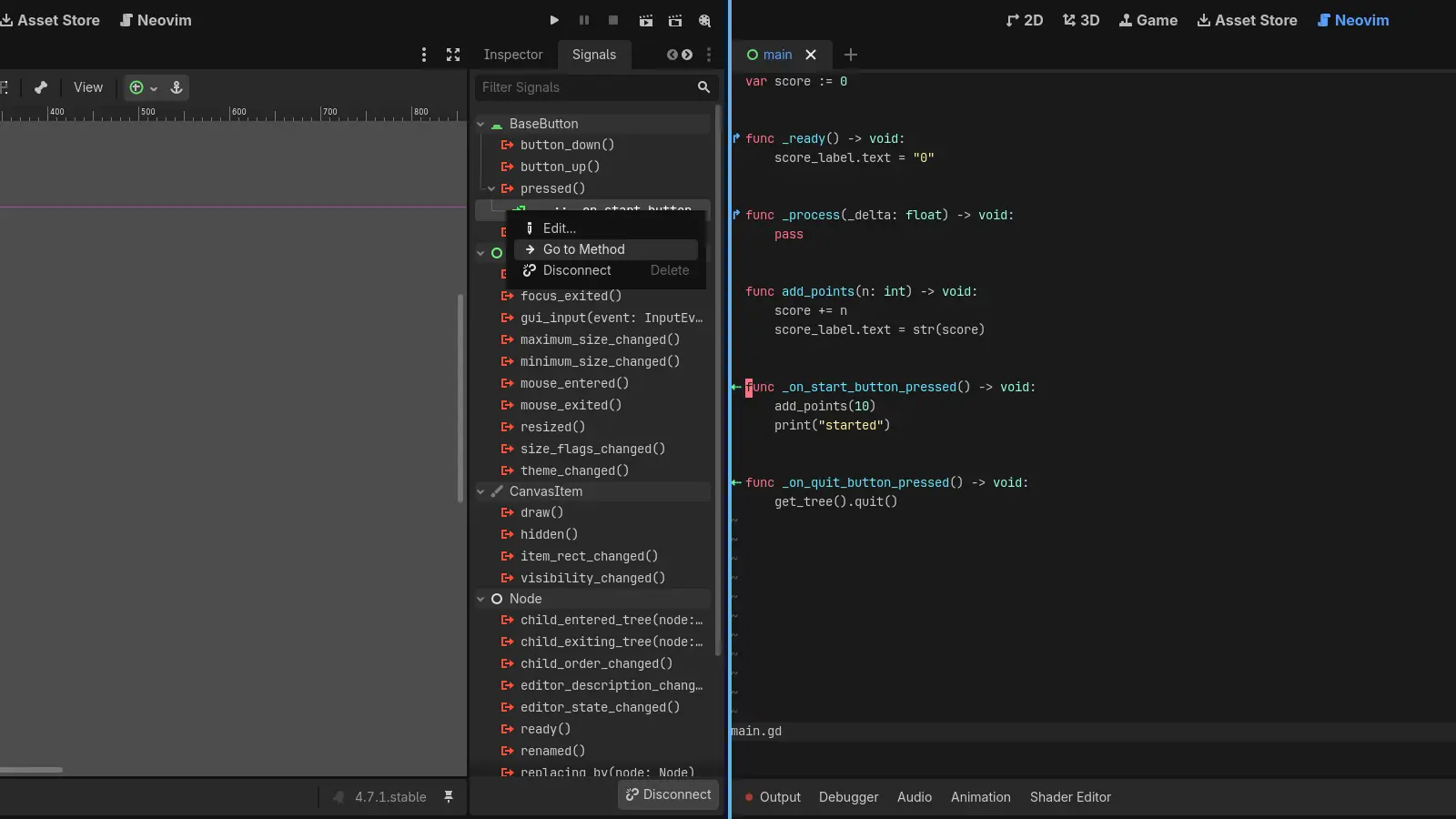
Signs mark connected and overriding methods, and the Signals dock’s Go to Method opens the method in Neovim.
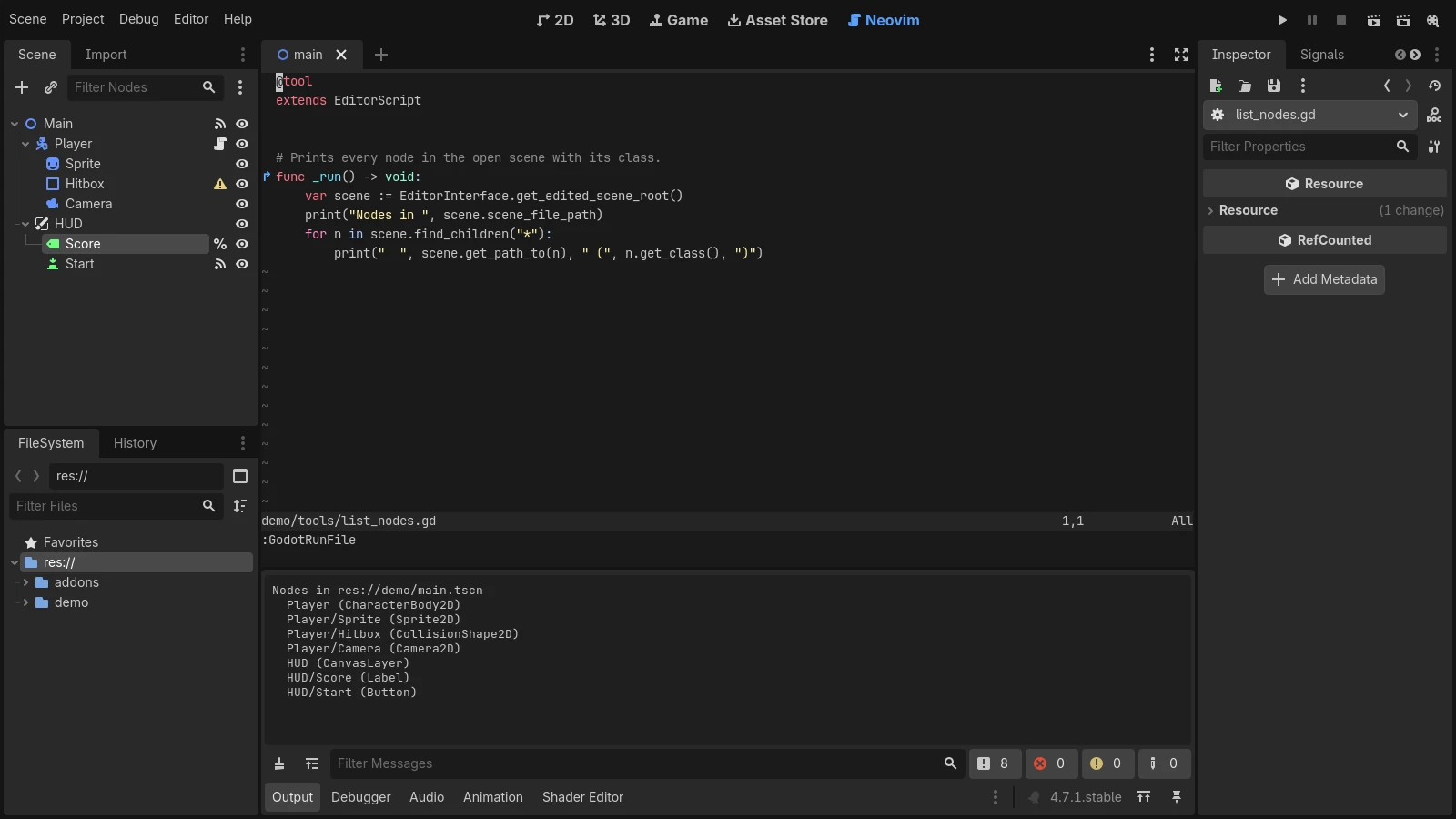
Godot’s run, pause and stop shortcuts work while you type, and :GodotRunFile runs an EditorScript.
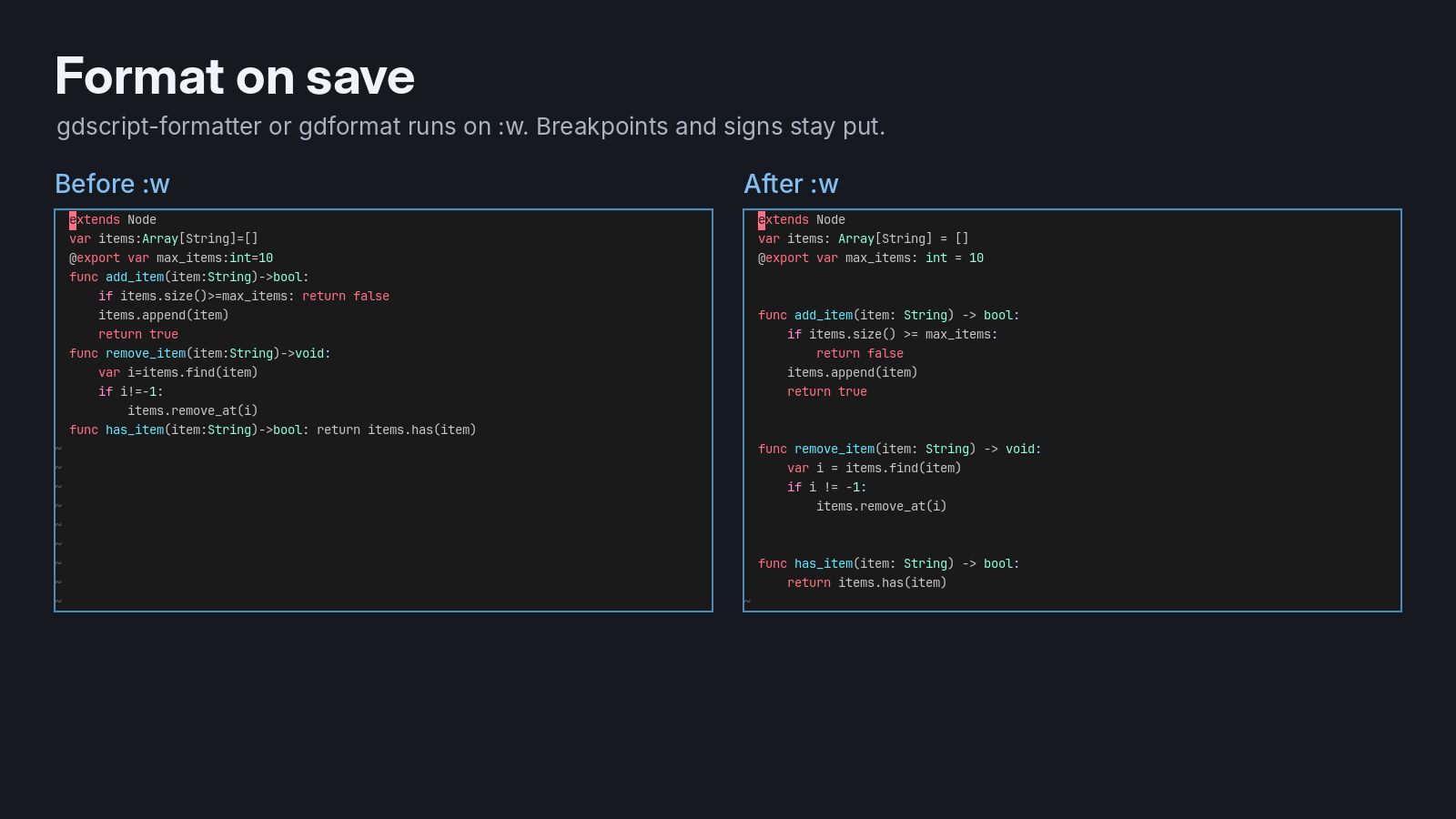
gdscript-formatter or gdformat on :w. Only changed lines are replaced, so breakpoints, marks and the cursor stay put.
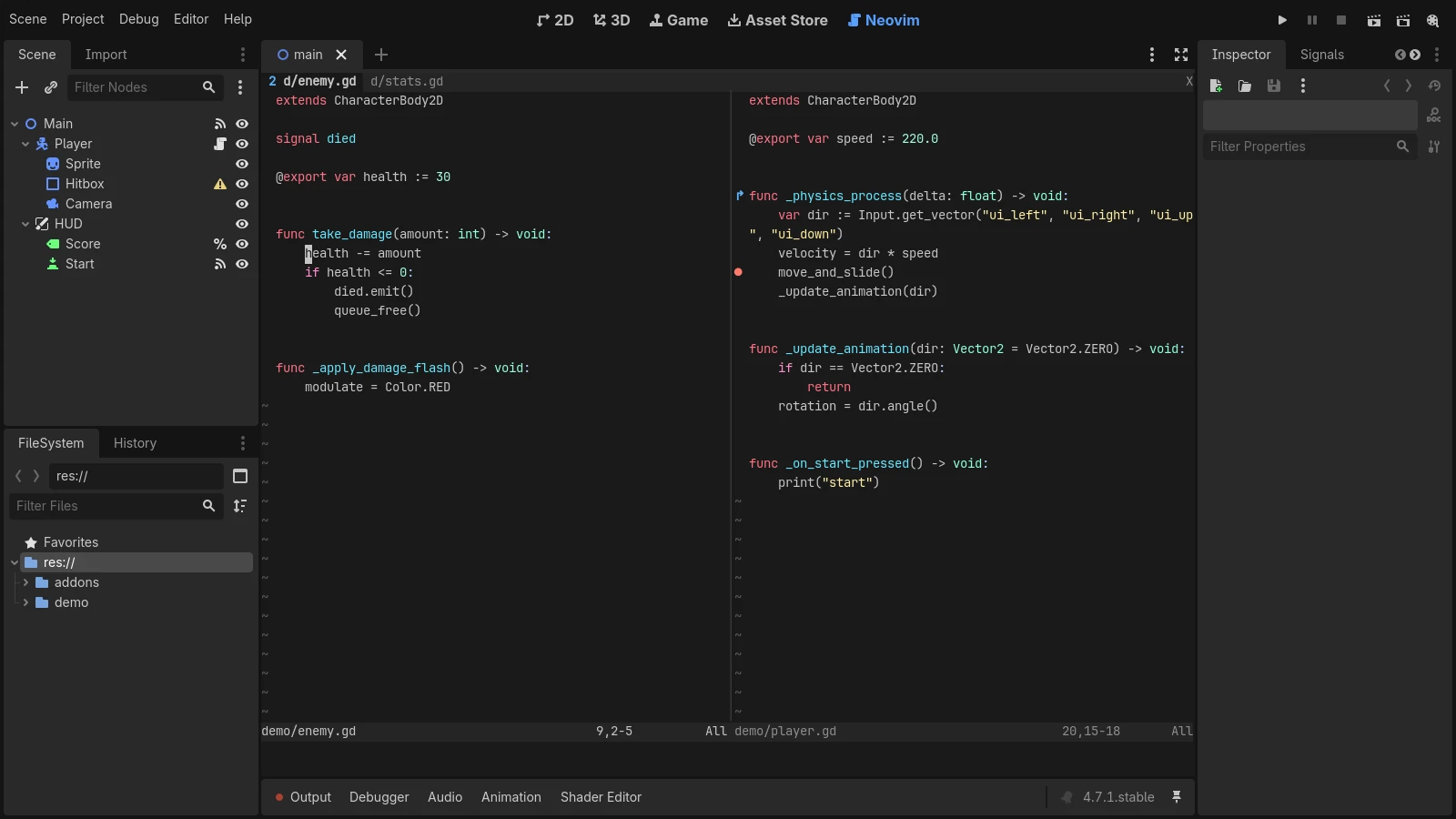
Open files, cursors, splits and tabs are saved when the editor closes and come back when the project reopens.
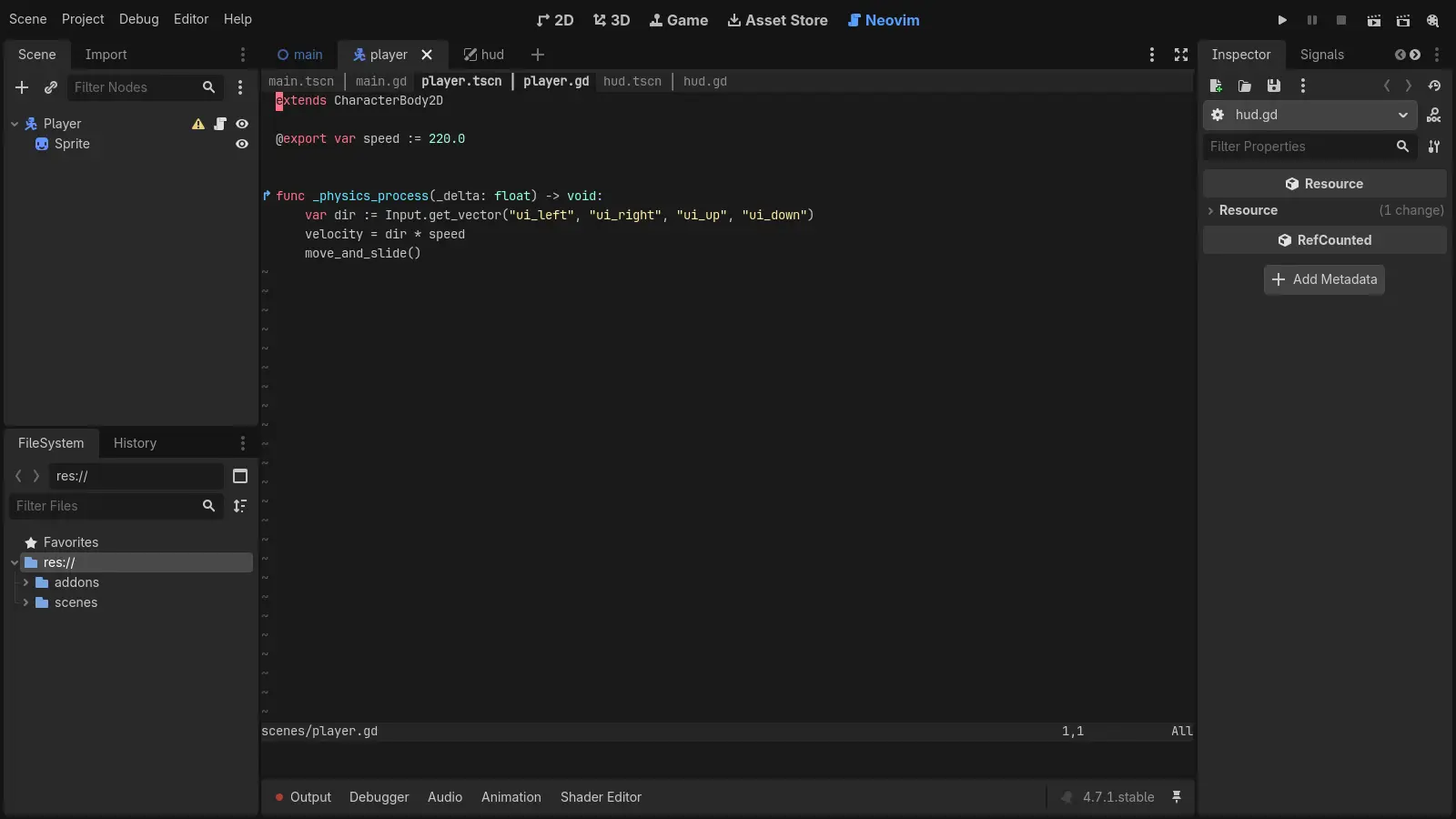
Each open scene gets its own Neovim tab page, and switching on either side switches the other.
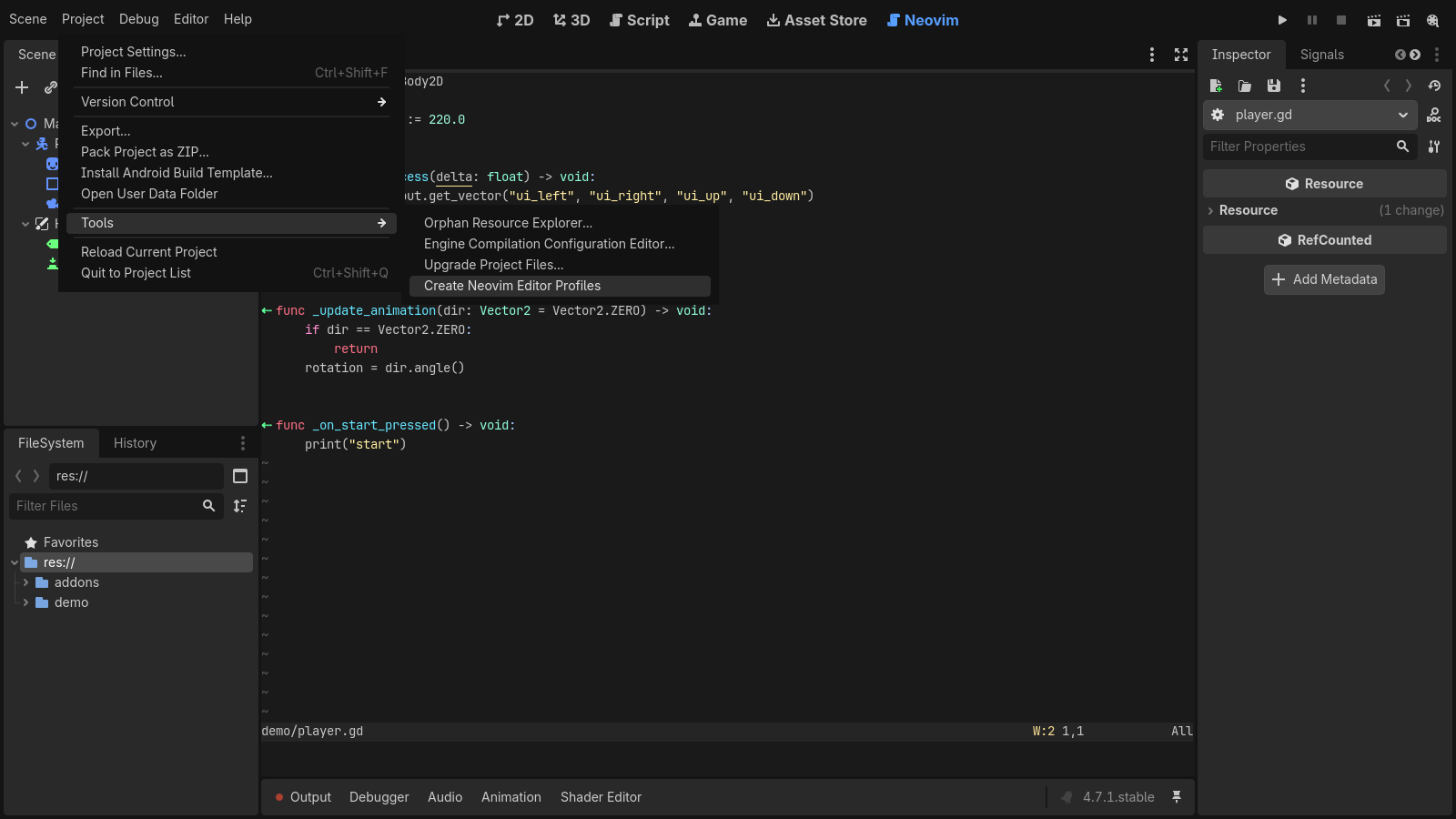
One menu item makes copies of your editor feature profiles with the Script tab hidden, so Neovim is the only script editor.
godot_nvim-<version>.zip from the latest release and copy addons/godot_nvim into your project's addons/ folder.The docs cover settings, the debugger, colors, formatting and the known gaps. The changelog lists what each release added.
Also in this repository
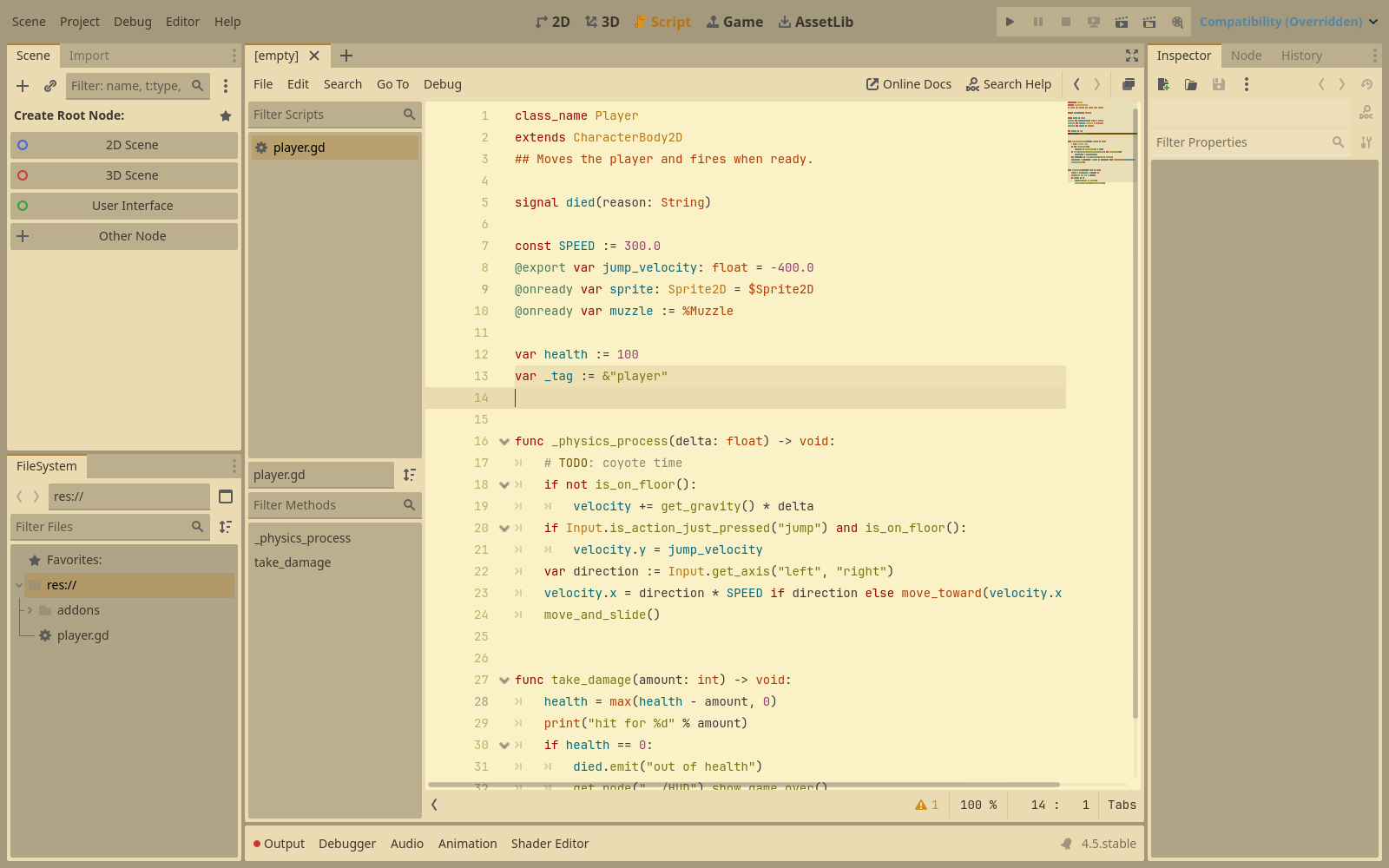
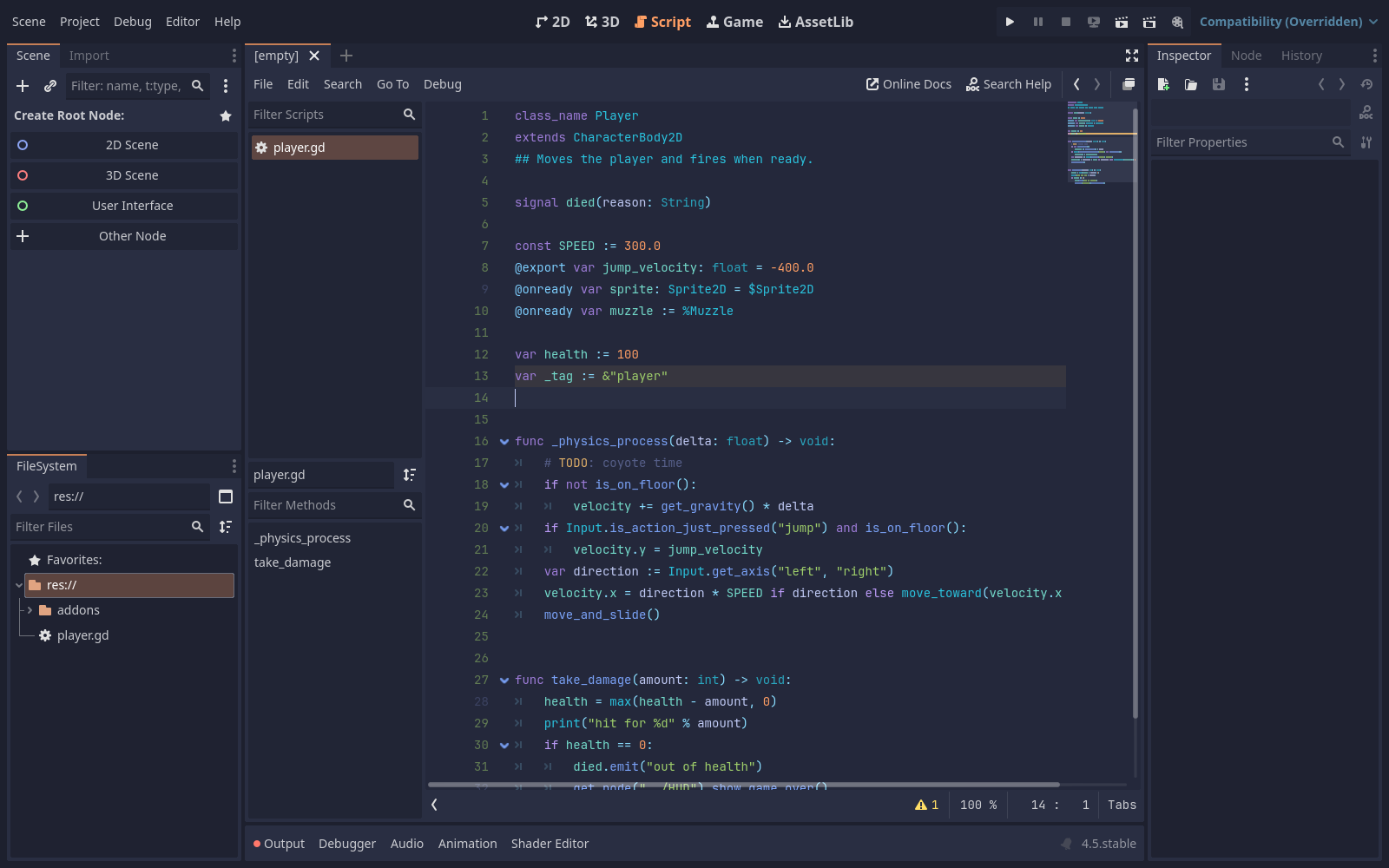
A command-line tool that turns a Vim or Neovim colorscheme, such as any on vimcolorschemes.com, into a Godot 4.5+ editor theme: the script editor's colors and the interface around them. It doesn't need the plugin, but with it, Neovim follows the new theme too.
v0.5.0 · Needs Neovim 0.10+ and git · Unpack it and put vim2godot on your PATH
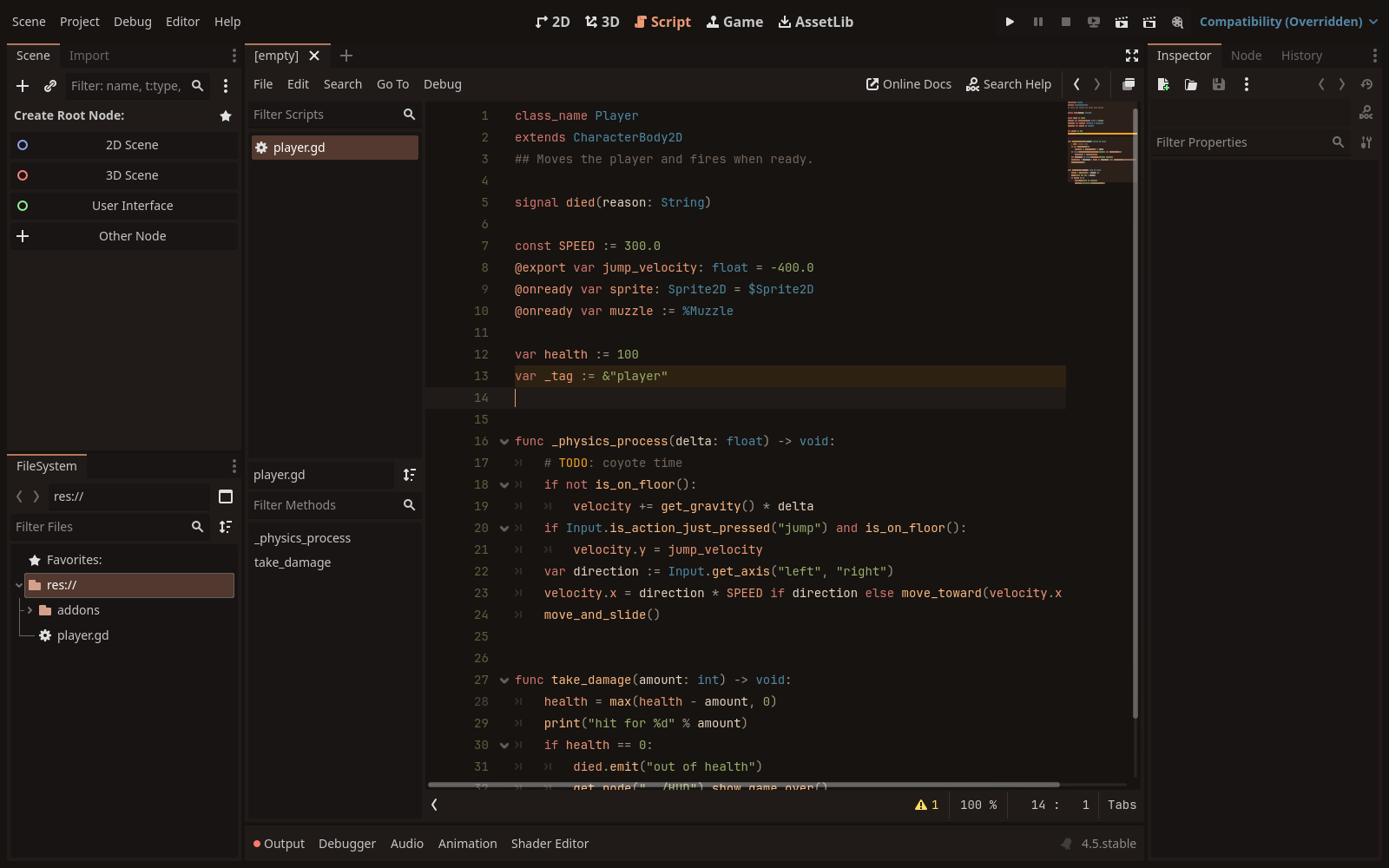
Give it a vimcolorschemes.com page, a GitHub repository or a local folder. Each scheme becomes a
.tet with the script editor's colors and an apply_<name>.gd that sets the
interface colors. Schemes with dark and light variants are written as both.
vim2godot https://vimcolorschemes.com/r/aejkatappaja/cendre

# only tokyonight's storm style, installed straight into Godot
vim2godot -scheme tokyonight-storm -install folke/tokyonight.nvim
Then run apply_<name>.gd with File → Run in Godot's script editor.
The vim2godot docs cover every flag and how the colors map.
It runs the colorscheme's code in a headless Neovim, so only convert schemes you would load in your own editor. On macOS the binary isn't signed; if Gatekeeper blocks it, run xattr -d com.apple.quarantine vim2godot.